
PrintFactory Software Manager is the manager of all software. The Software Manager application, which installs by default in the taskbar and starts when the operating system starts, contains information about:
- operation or lack of operation,
- use of individual PrintFactory applications,
- license number, status, type, license validity assigned by the software producer,
- installed software version,
- software options,
- installed printing and cutting devices,
- available updates for download,
- profiles, predefined settings,
- color libraries,
- markers, layouts, Preflight profiles,
- built-in reference profiles (references),
- layout presets,
- color mapping.
2026-05-21 at 15.35 PrintFactory Inspector and Software Manager view on macOS in NFR version 2026_1_1_12499 FILE TO PRINT PrintFactory dealer Warsaw Poland
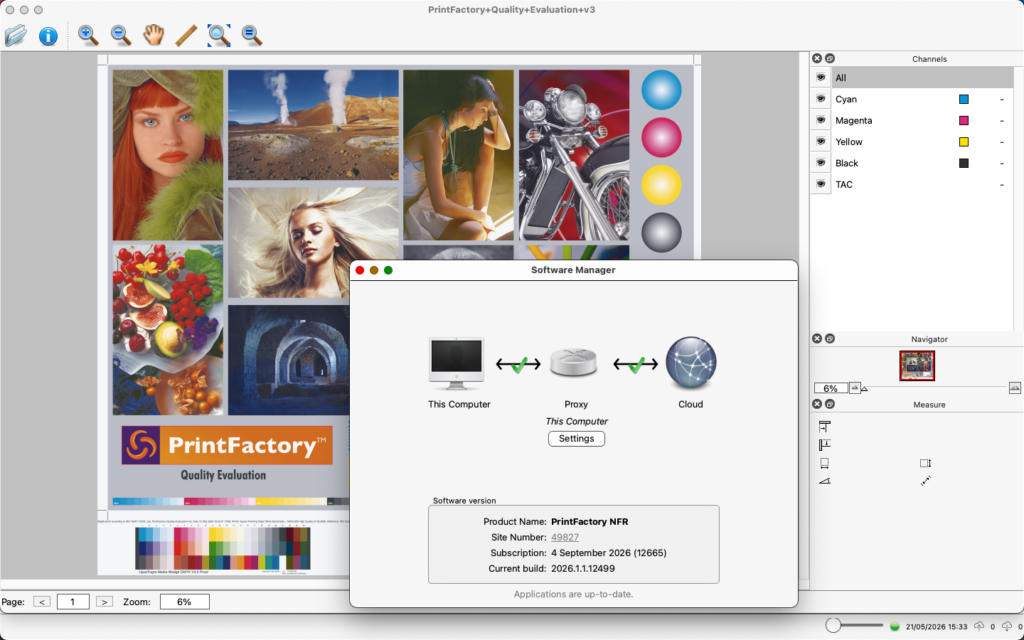
2024-03-16 PrintFactory Software Manager screenshot from PrintFactory dealer FILE TO PRINT printfactory-dealer.eu
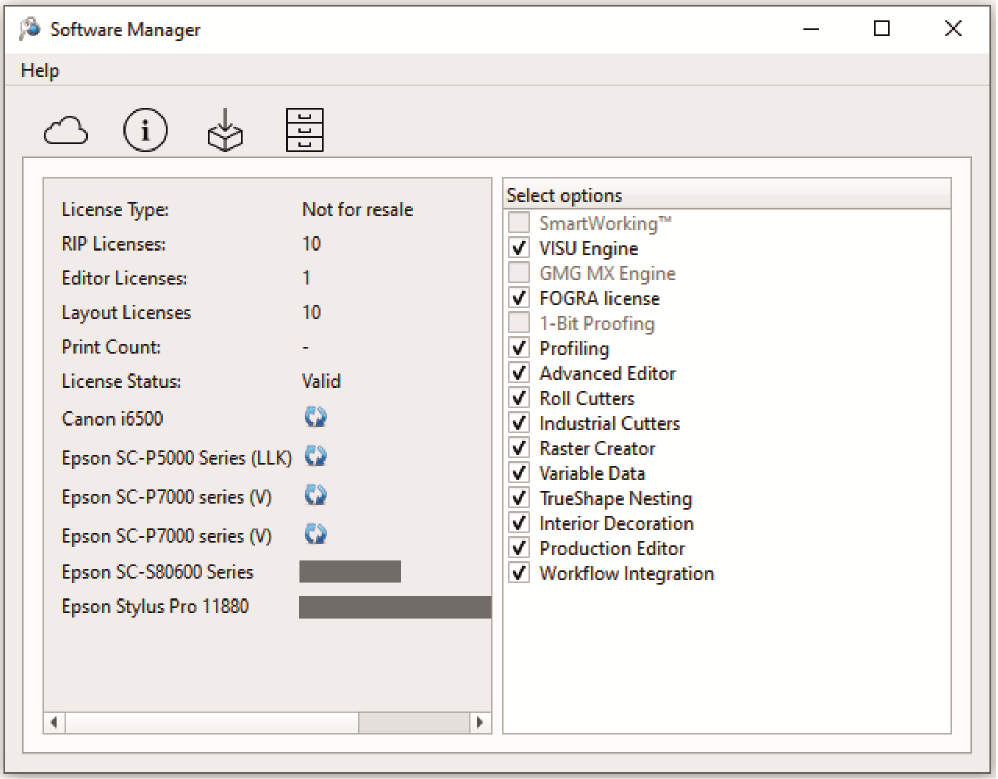
2024-03-16 PrintFactory Software Manager screenshot from PrintFactory dealer FILE TO PRINT printfactory-dealer.eu
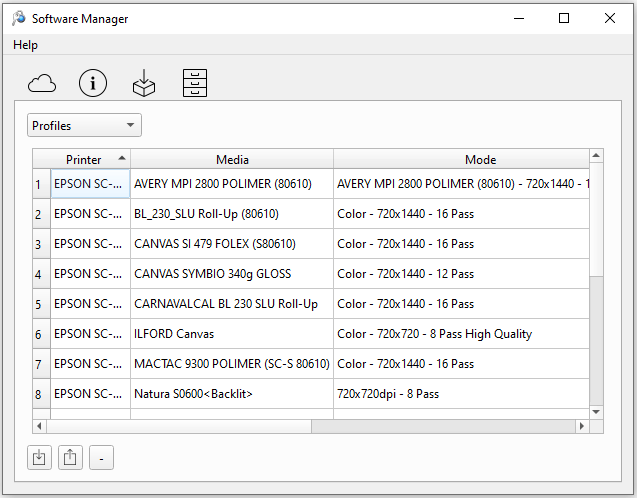
2024-03-16 PrintFactory Software Manager screenshot from PrintFactory dealer FILE TO PRINT printfactory-dealer.eu
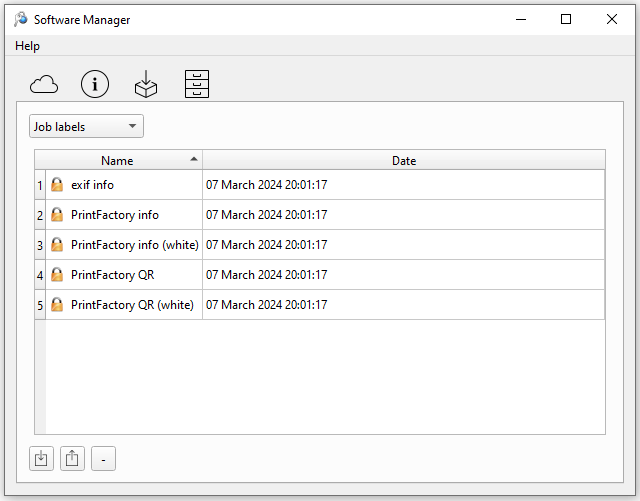
2024-03-16 PrintFactory Software Manager screenshot from PrintFactory dealer FILE TO PRINT printfactory-dealer.eu
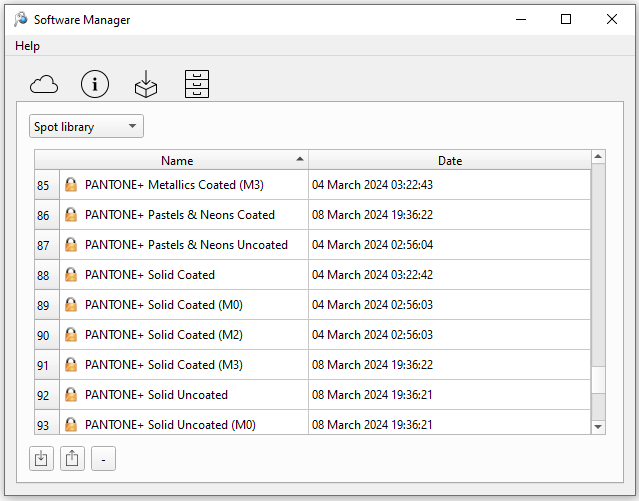
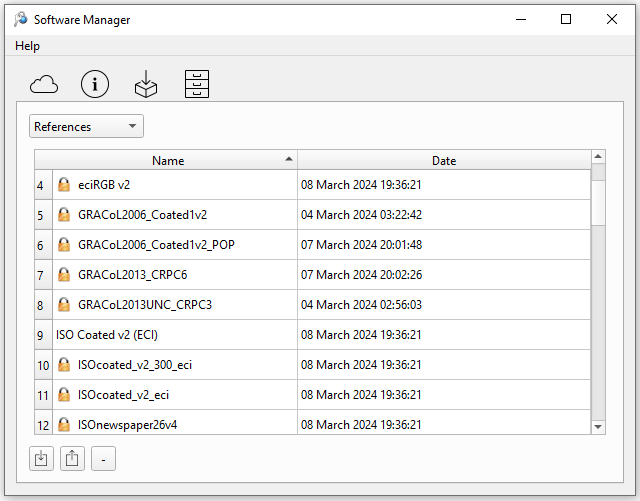
2024-03-16 PrintFactory Software Manager screenshot from PrintFactory dealer FILE TO PRINT printfactory-dealer.eu
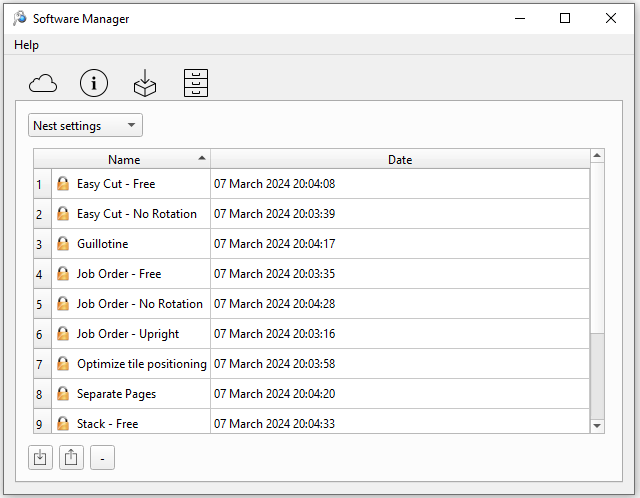
Using PrintFactory Software Manager you can activate and deactivate the license when connecting to the Cloud application on the printfactory.cloud website, change printing devices, device profiles, verify application logs, and more.
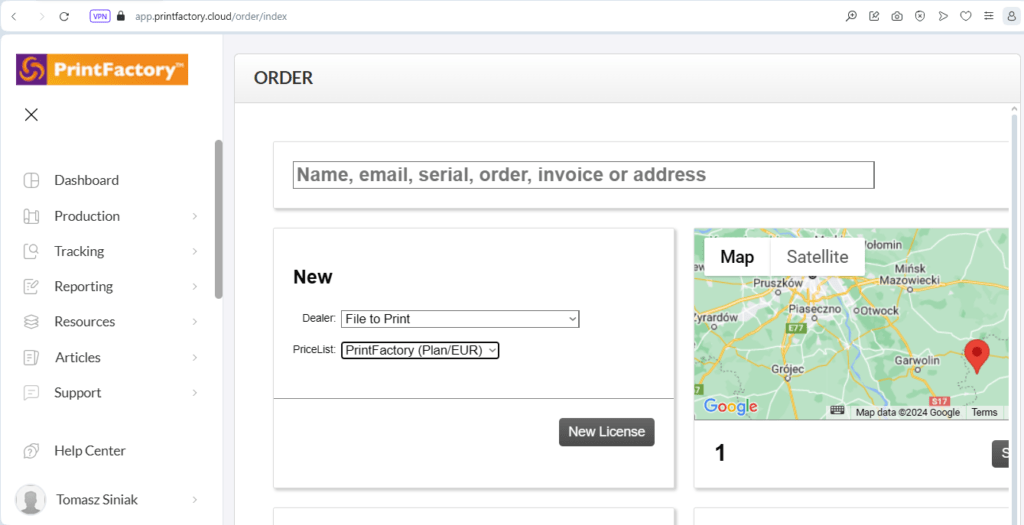
2024-06-07 13:18 Screenshot from the account of PrintFactory dealer FILE FOR PRINT Tomasz Siniak on printfactory.cloud
Articles on the PrintFactory website https://help.printfactory.cloud/article-categories/licensing-software-manager/